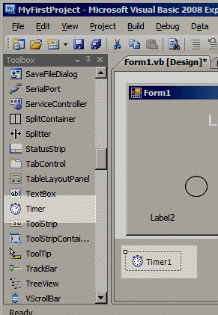
In addition to the above, you also need to generate a Timer control. Select Timer from the VB
Toolbox, and click onto the form background. Timer1 should appear in a grey band at the bottom of the form designer.
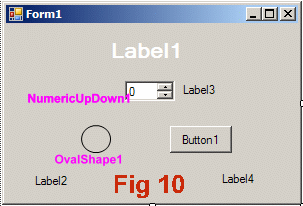
Figure 10 shows the form in the VB.NET form designer. Each of the items has the name given by VB.NET when I placed it. (I added the pink labels to the screen shot manually)