Builder: Invoking it
Builder runs from within SPLat/PC V8.20.0 or later. It will only run when there are no *.spt source files or edit windows open. If you have launched SPLat/PC close down all edit windows then use the File menu. (File -> Builder)
You can also launch SPLat/PC by double clicking a .b1d file. In that case Builder will take over a build the file, leaving the result in an edit window. The built file is set to read-only. This is done to remind you that any editing of the built file will not be reflected in the original source files. You can make the built file editable by pressing CTRL+INS.
Step-by-step, here’s the process:
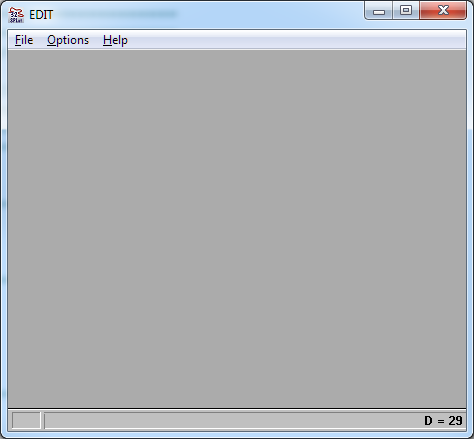
- Open SPLat/PC, then close any edit windows. It should look like this (plus or minus in size, of course):
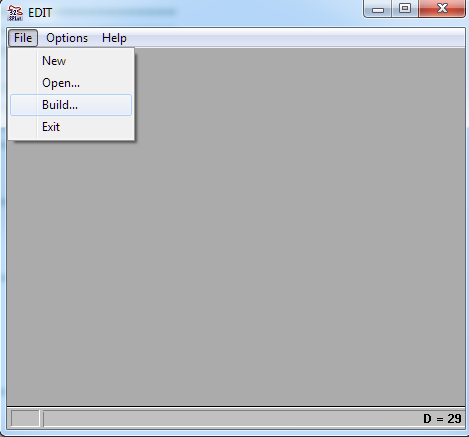
- Select File…Build:
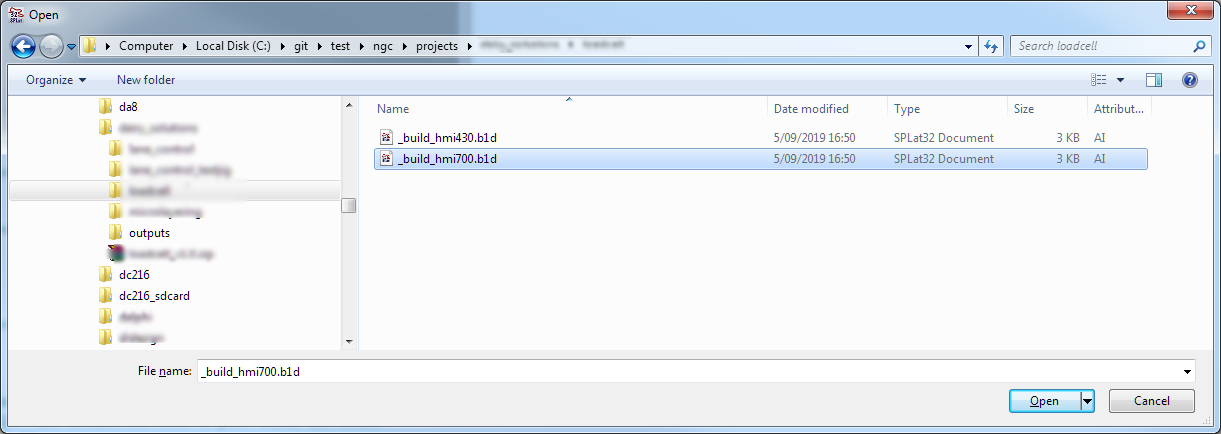
- Navigate to and open the relevant *.b1d file:
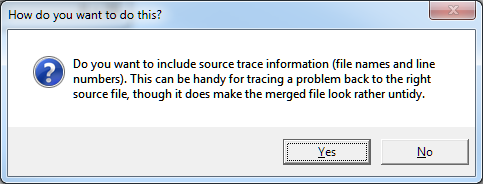
- Click through the next dialogs as you see fit:
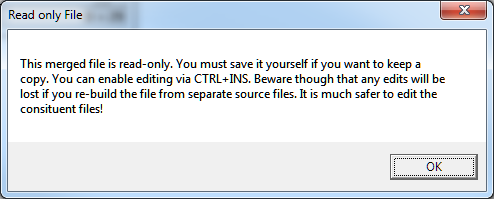
- The resultant file is the complete program. You need to translate it and then either download it (if you’re connected to a module) or you can save the binary by selecting File…Save (resulting in a “.b1n” file that can be dropped into a System Firmware directory) or save the Object file (which we use for building firmware).
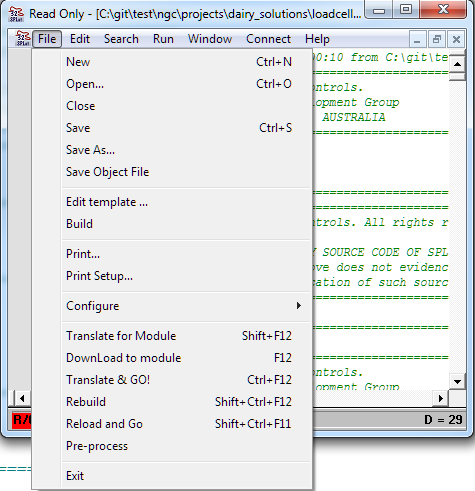
Hint: If you’re connected to a module and you change a source file, hitting “Rebuild” will automatically re-load all the source files, re-translate everything AND download to the module.